

Build better websites.Keep improving them.
Design directly on the canvas
Build reusable systems
Manage structured content
Publish with confidence
Make every page responsive
Review work together
Improve search visibility
Connect production domains
Track every important change
From idea to launch
Every stage stays editable.
Move from a rough direction to a live, measurable website without rebuilding the work at every handoff.
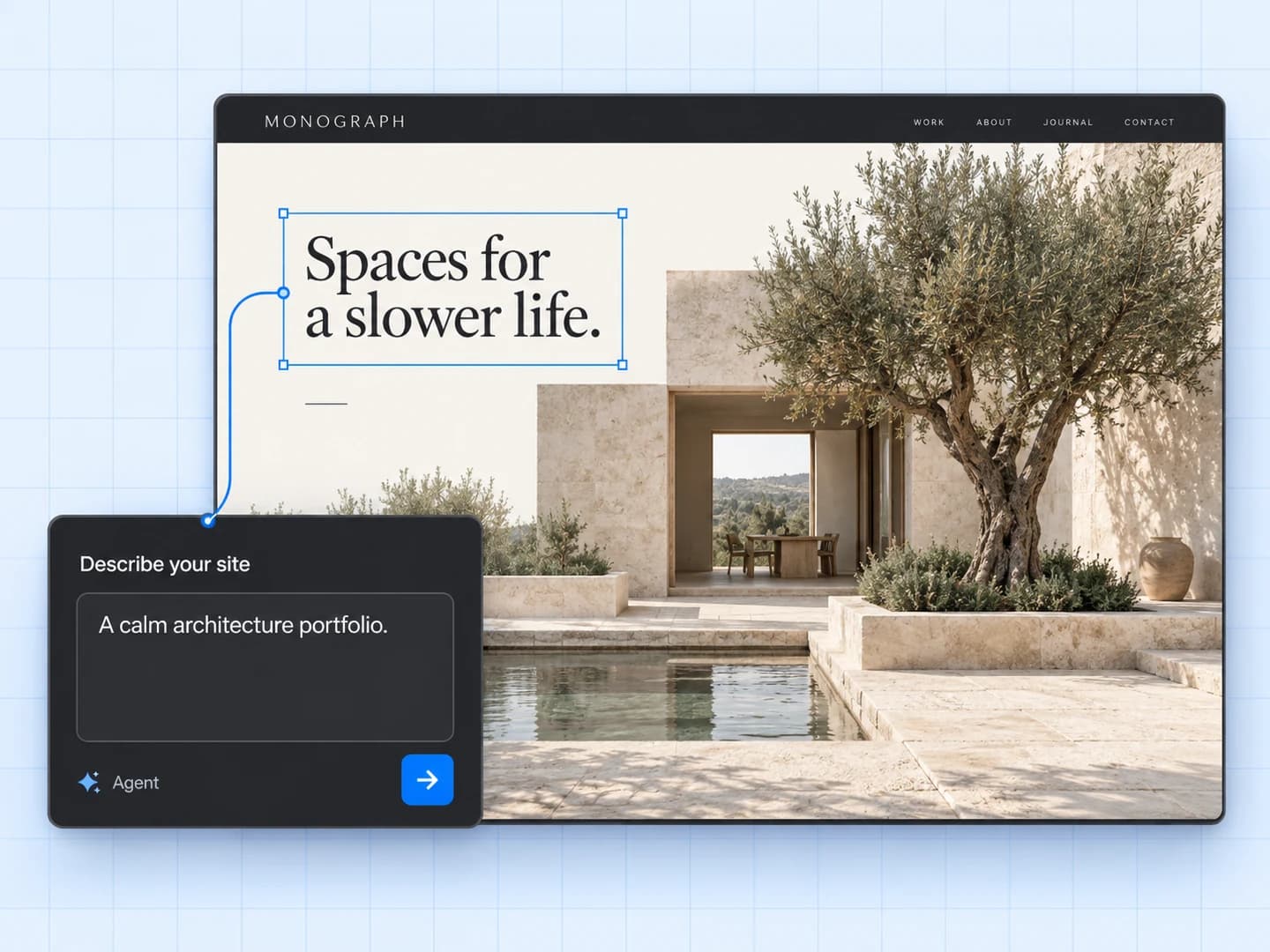
Generate, then design
Turn a brief into a structured starting point, then continue visually.
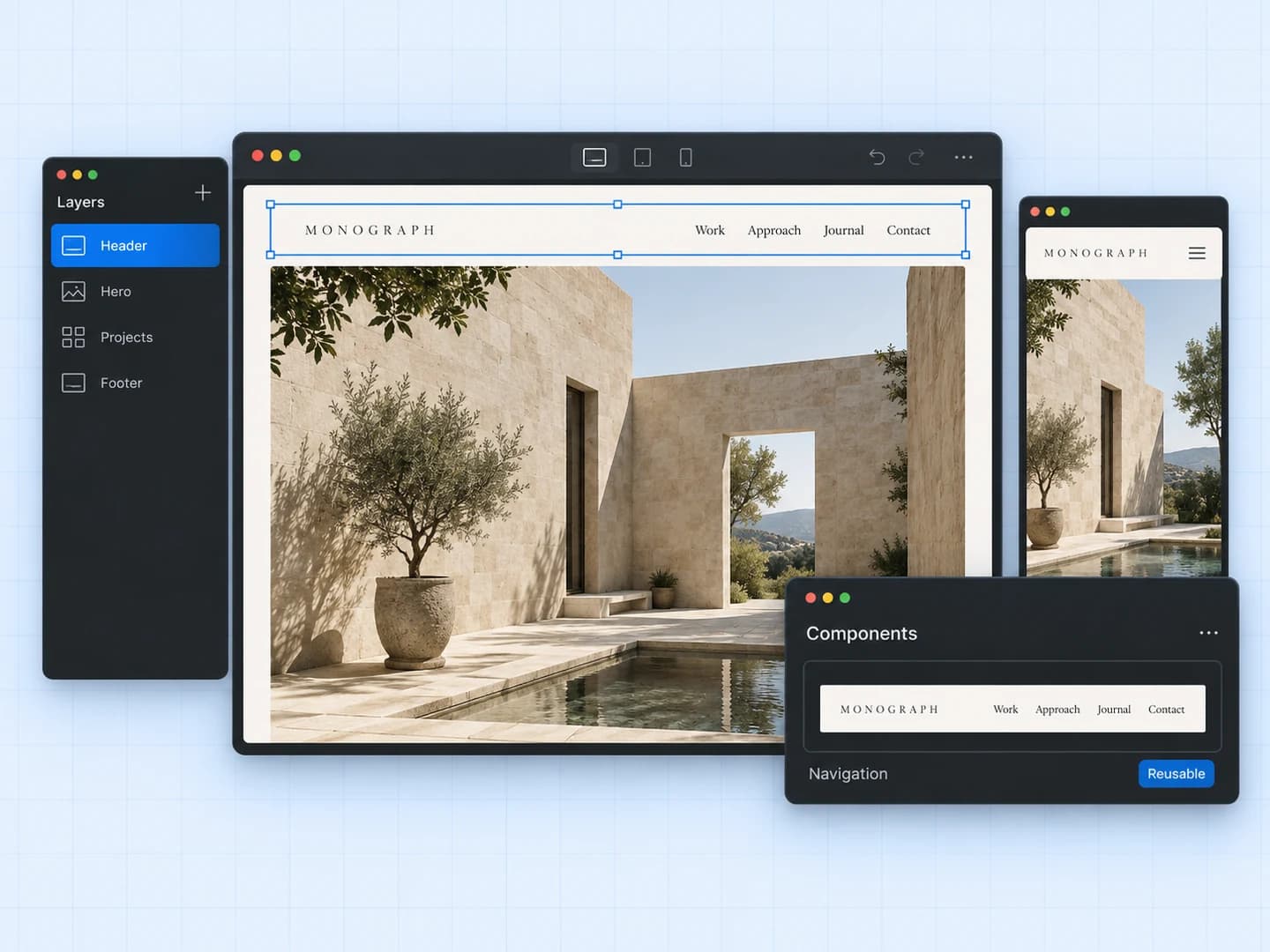
Build with structure
Create a reusable system for pages, content, and responsive layouts.
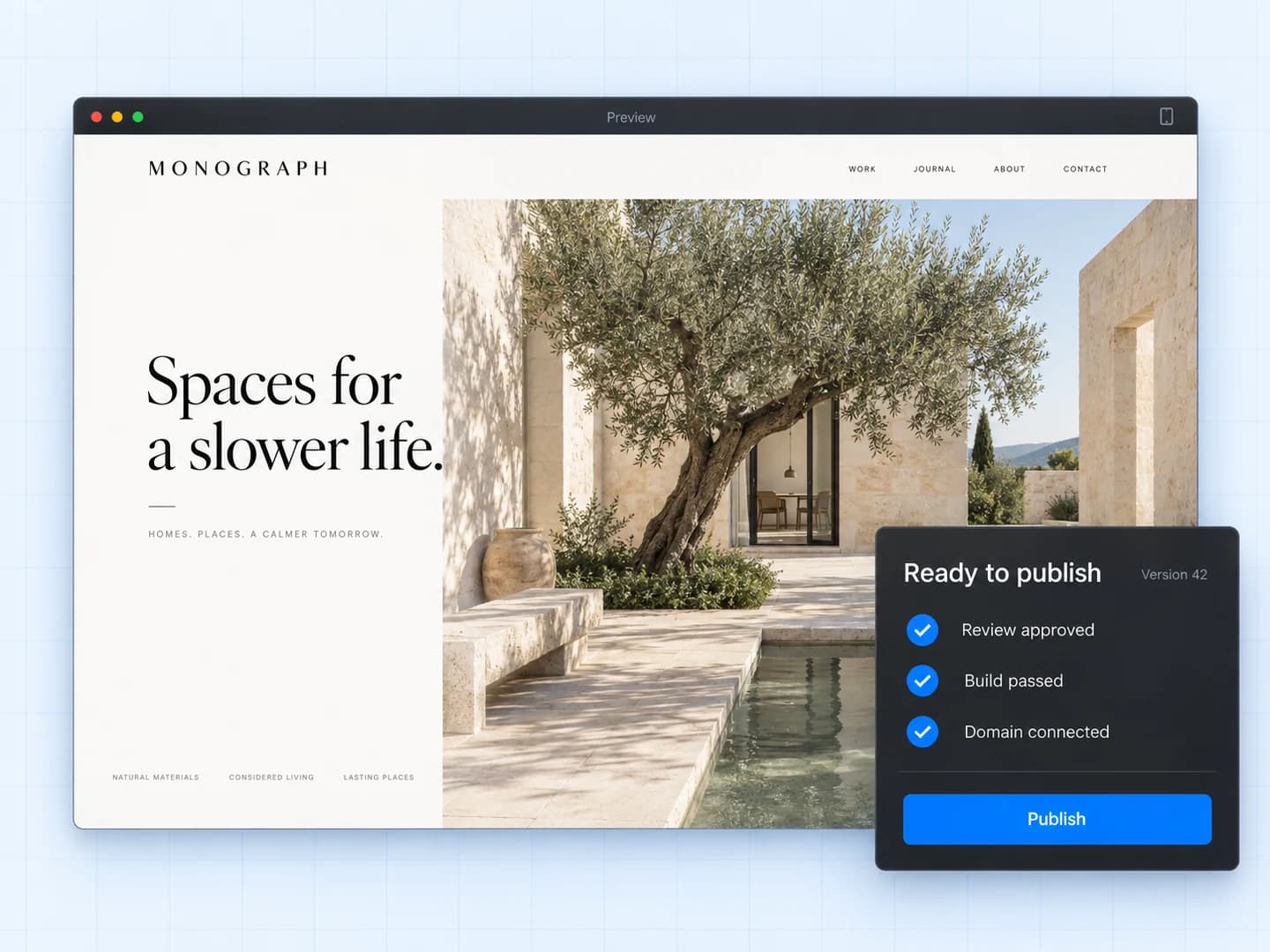
Ship a trusted release
Review a known revision and move it to production with control.
One continuous workflow
A workflow built around the site.
Create, manage, and launch through one continuous workflow while each stage keeps the context created before it.
Create
Start quickly. Keep full control.
Use AI to establish the first structure, then shape every section with the same visual tools you would expect from a professional site builder. Generated work stays editable instead of becoming a dead-end mockup.
- Prompt-to-page generation
- Responsive visual editing
- Reusable components and styles
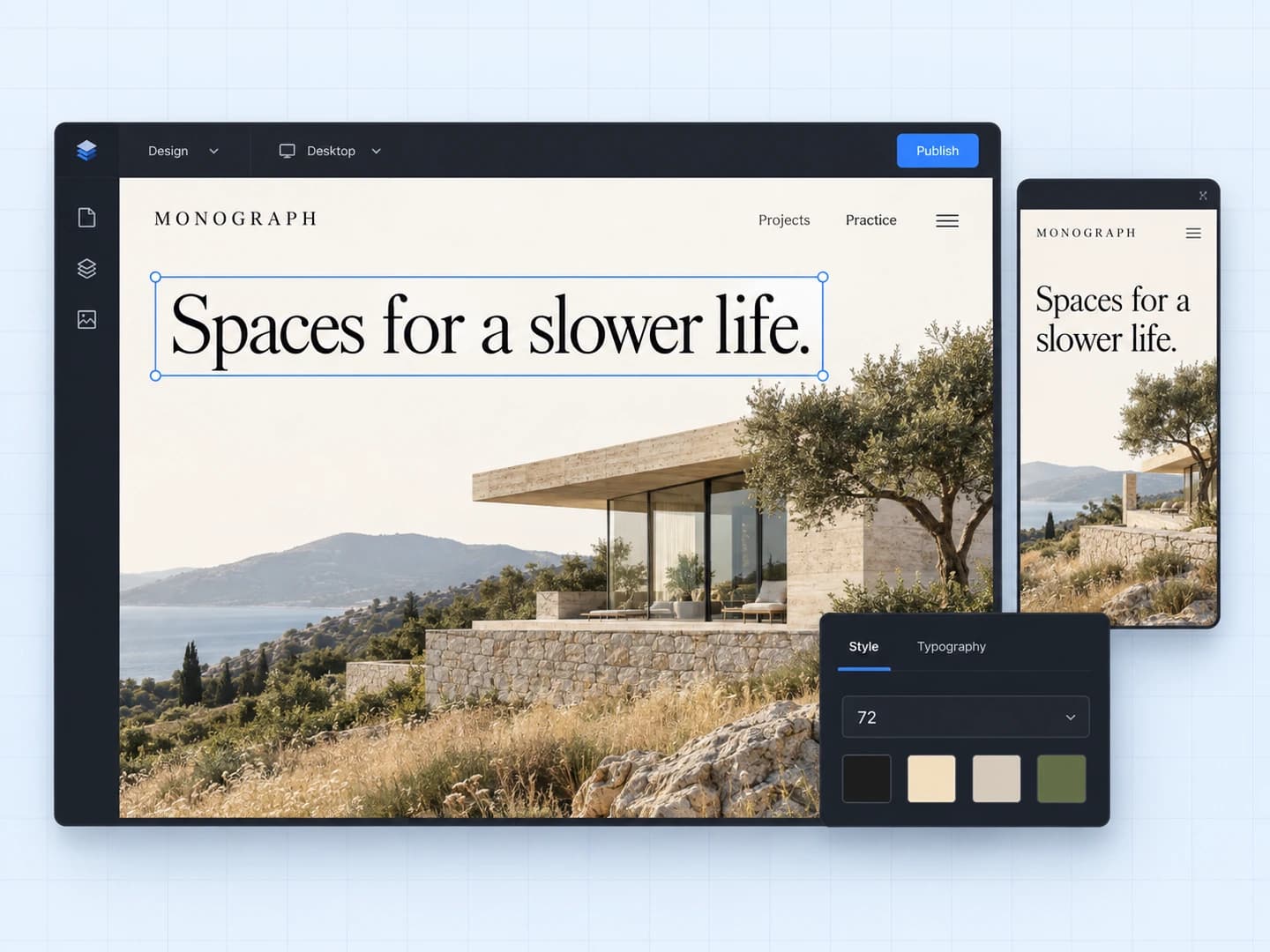
Manage
Let content grow without breaking design.
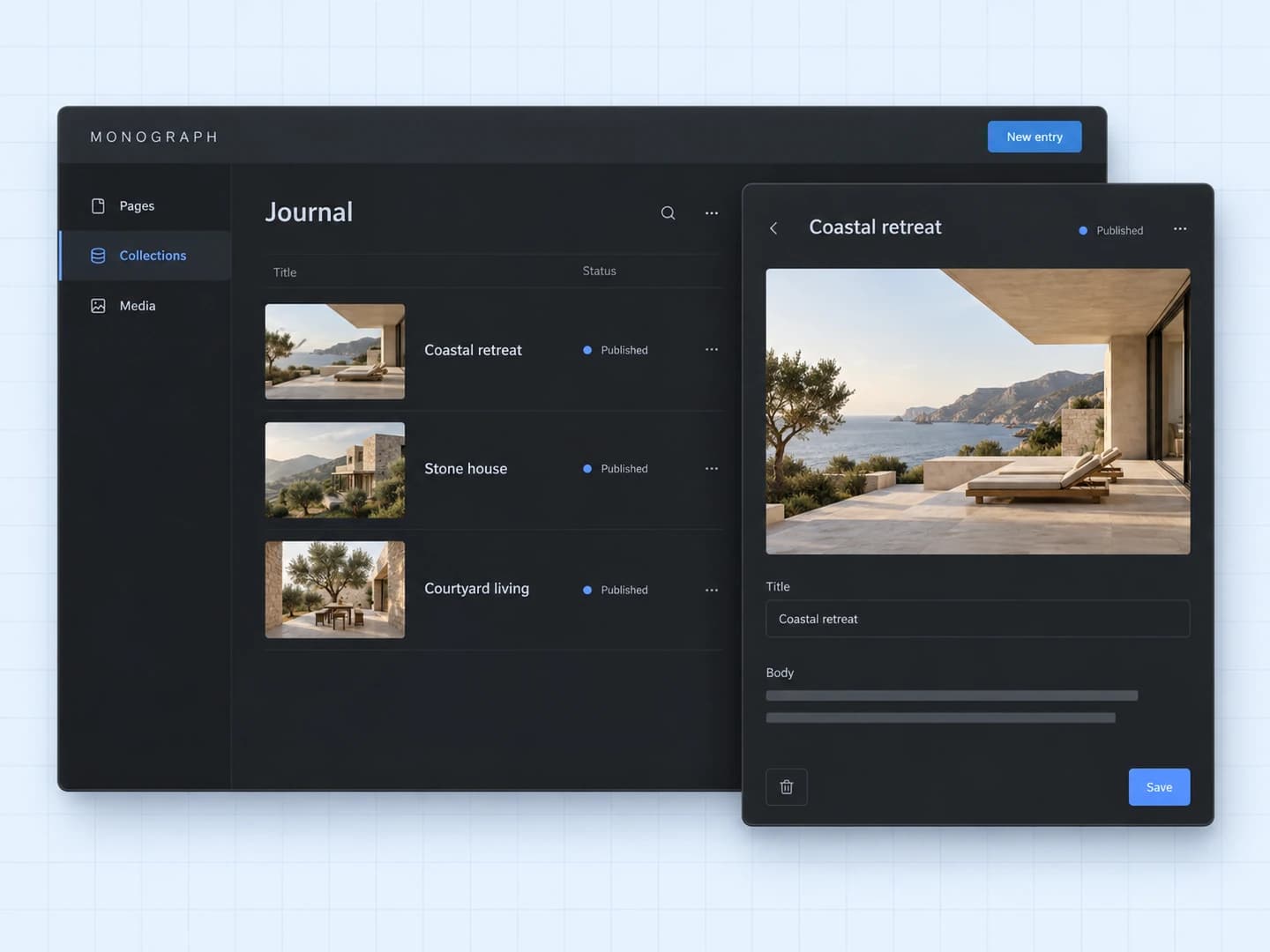
Model repeatable content once, connect it to polished layouts, and let teams update the words and media without rebuilding pages. Static and dynamic content stay in one system.
- Collections and dynamic routes
- Structured rich content
- Role-aware editing workflows
Launch
Move from review to production deliberately.
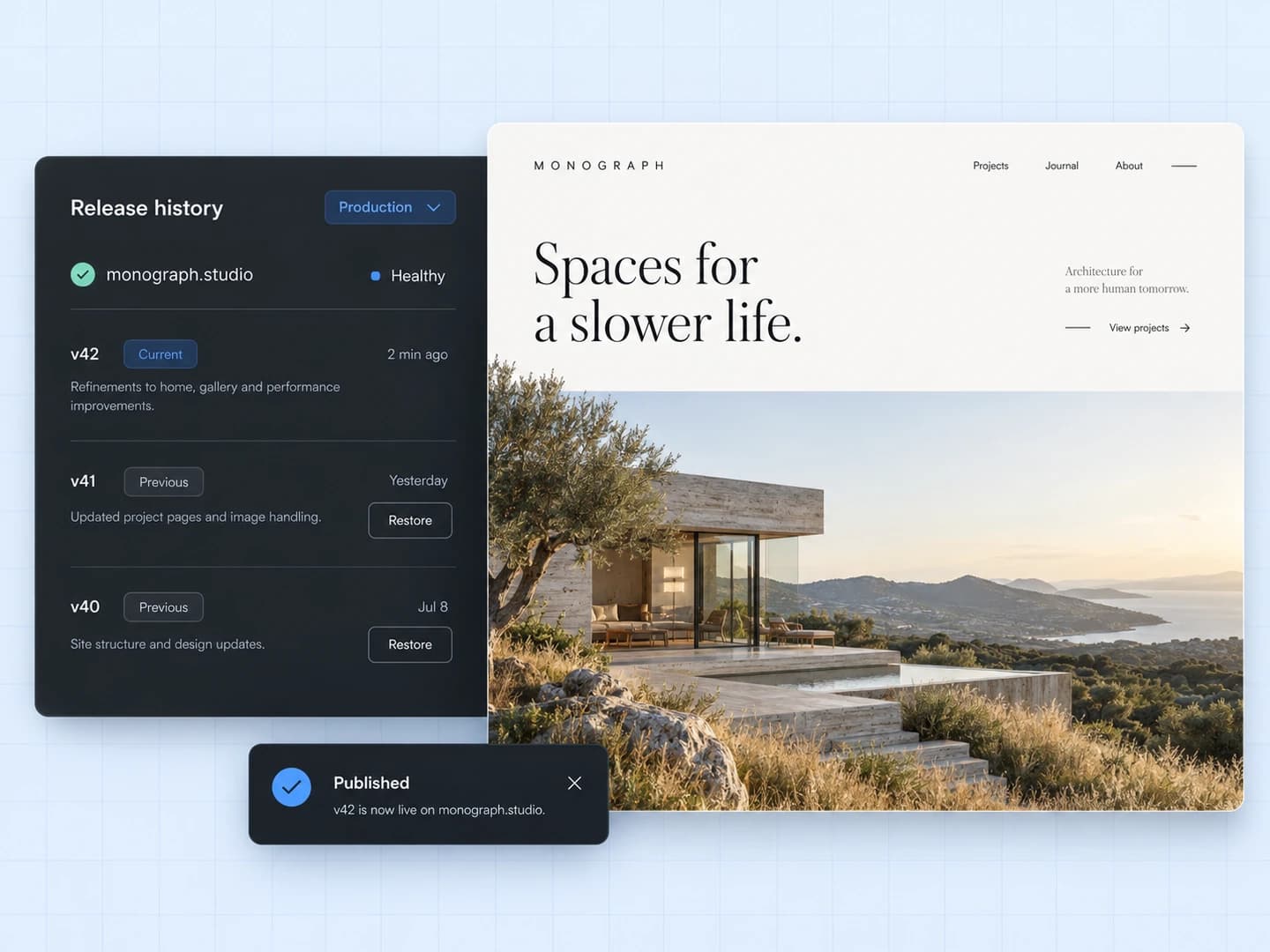
Give collaborators a safe place to comment, approve a known revision, and publish with an auditable release trail. Domains, forms, analytics, and rollback remain connected after launch.
- Immutable review links
- Staged production releases
- History, monitoring, and rollback
Built for the long run
Control that continues after launch.
The product does not stop at a visual canvas. Access, approvals, releases, and operating state remain visible after launch.
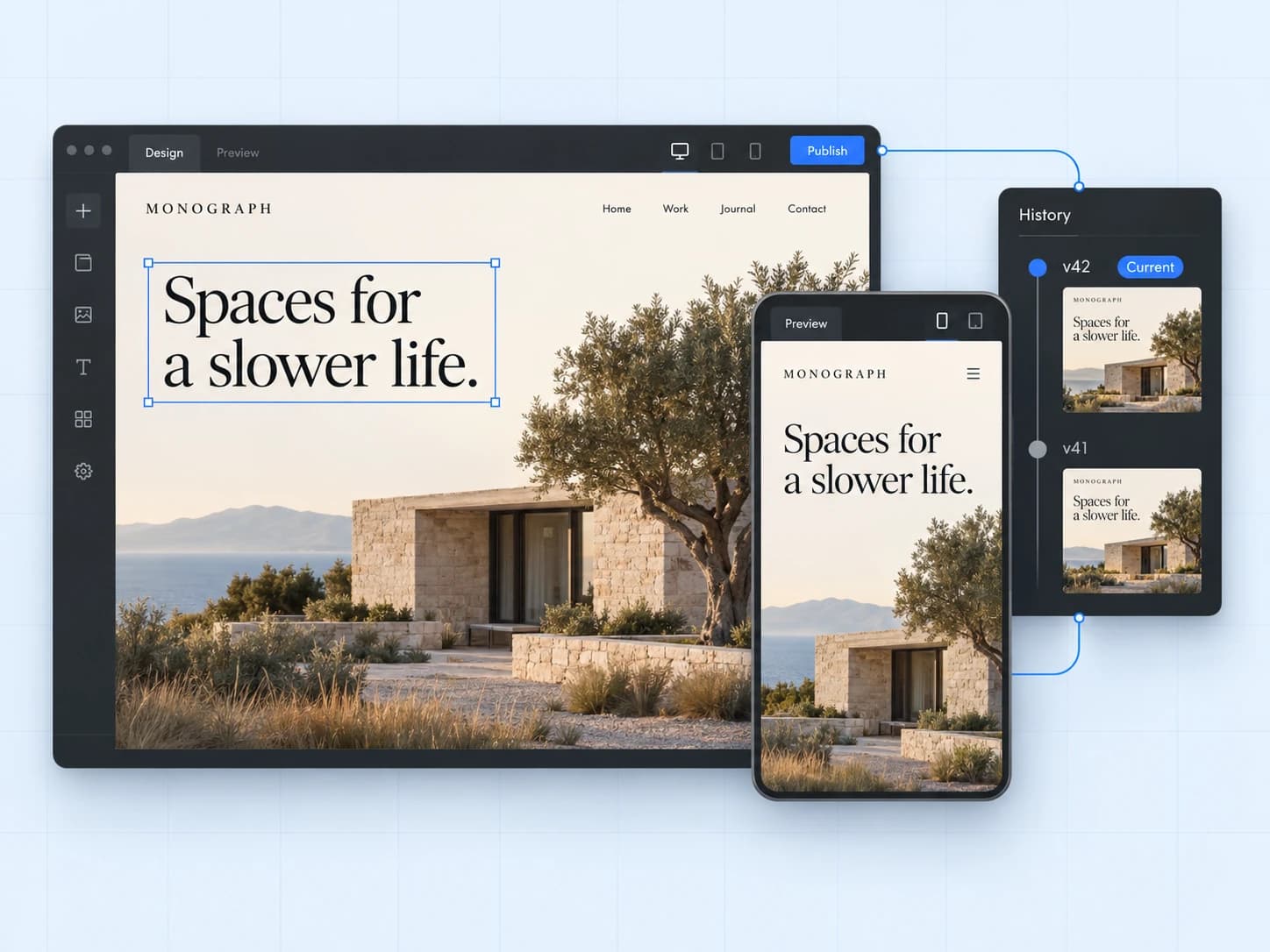
One connected document
The canvas, preview, history, and published output share the same semantic source.
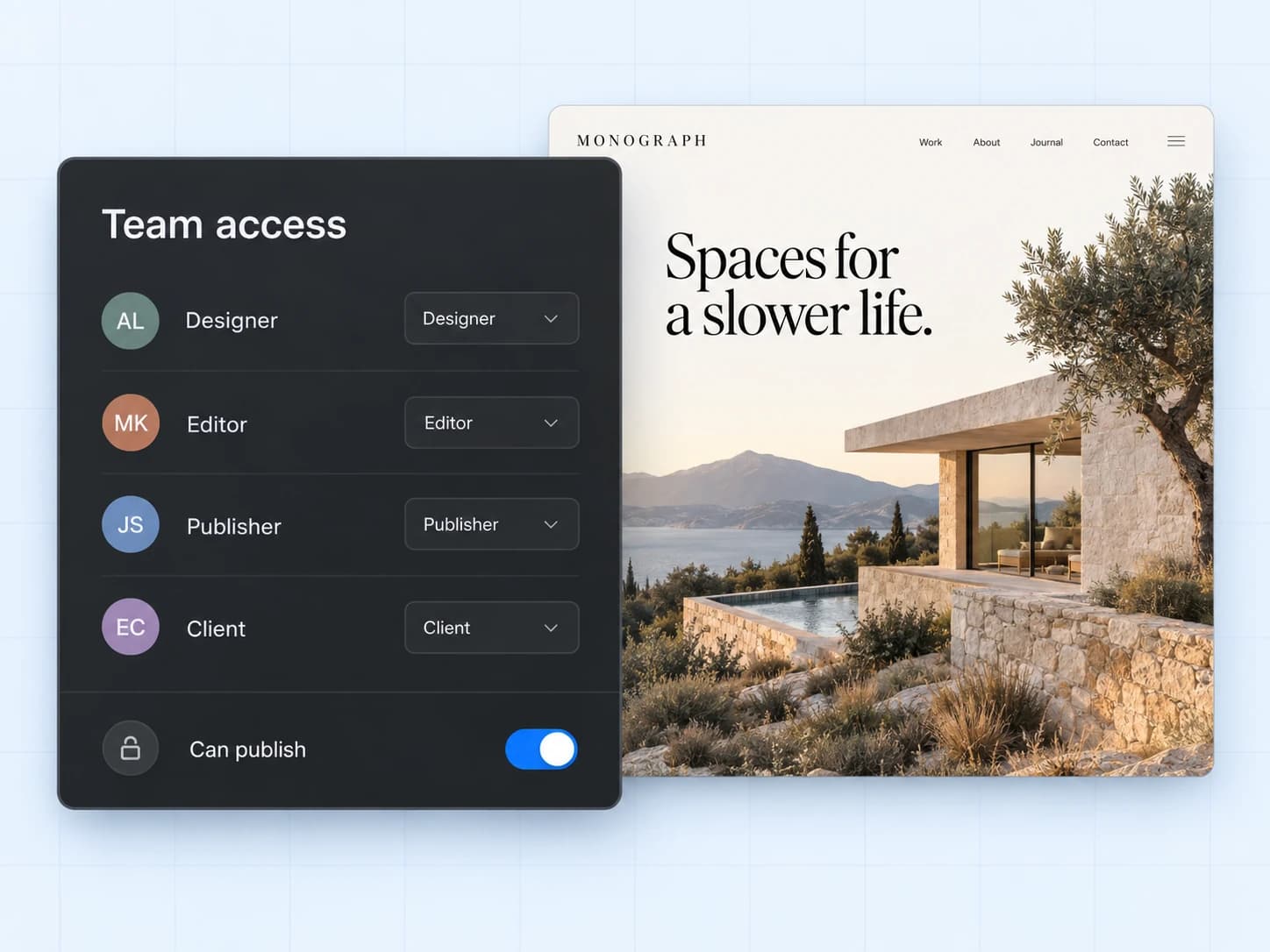
Permissions with purpose
Designers, editors, publishers, reviewers, and clients see the controls meant for them.
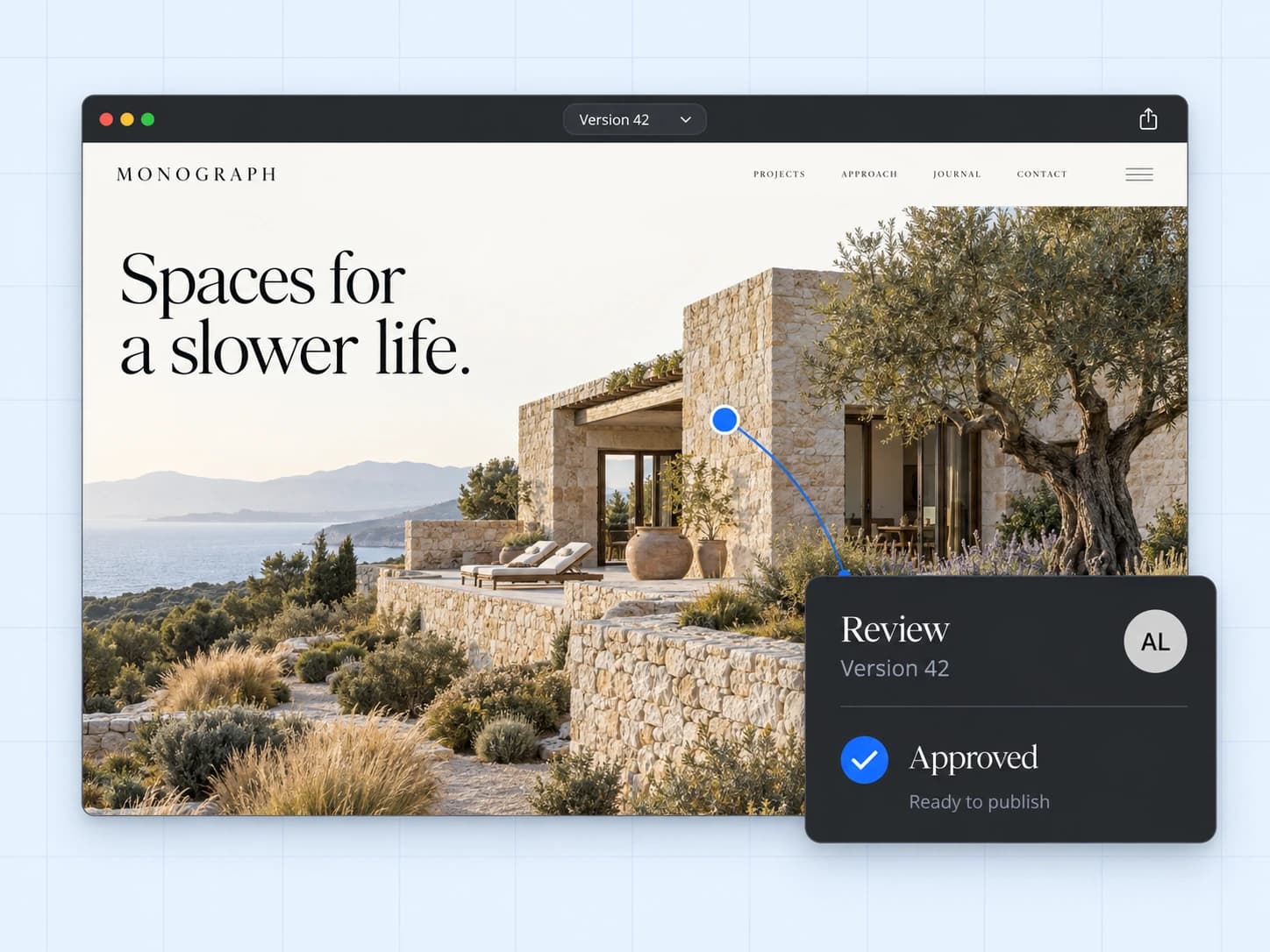
Review before release
Feedback and approval attach to the exact version a team intends to publish.
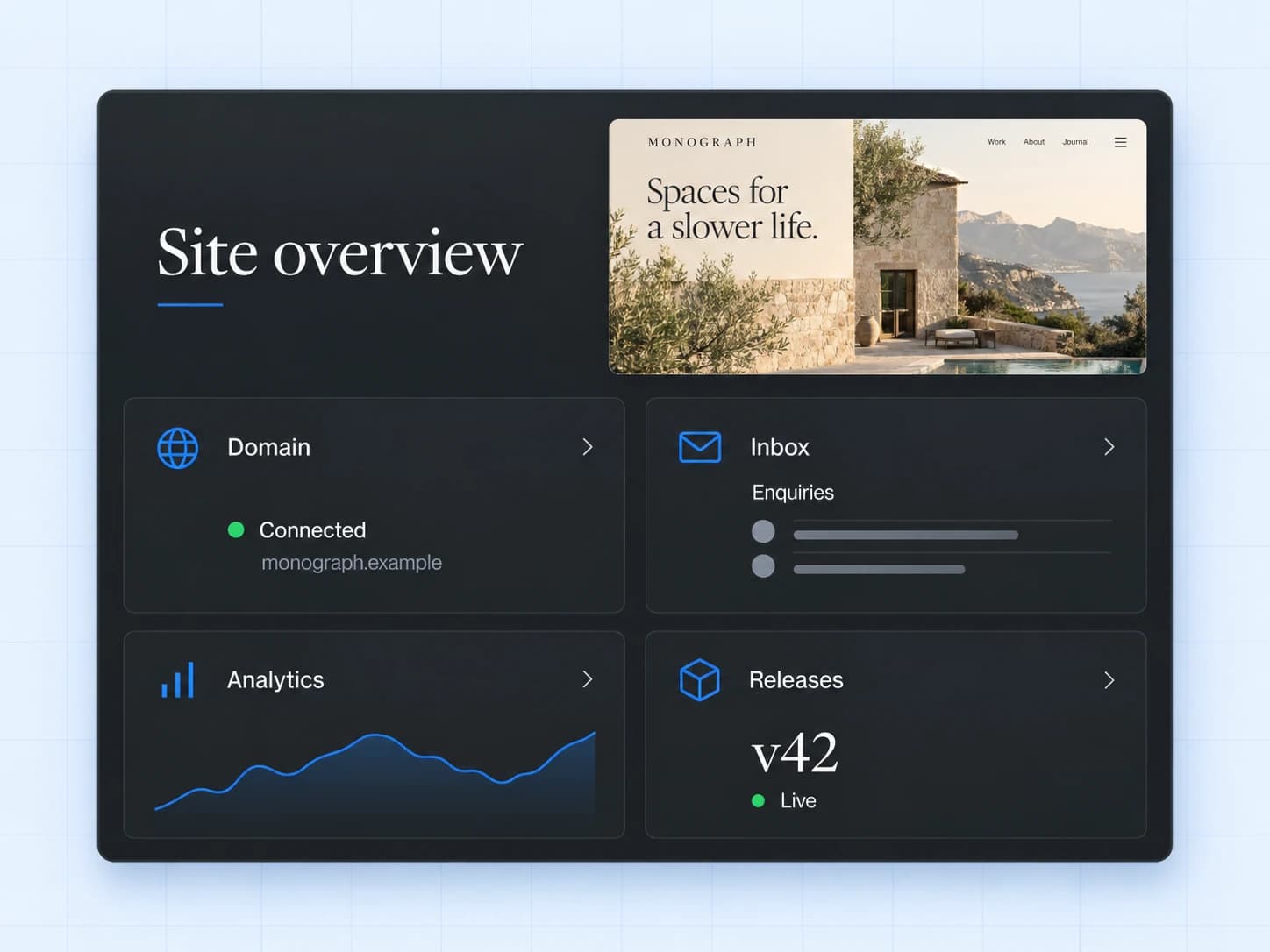
Operations after launch
Domains, forms, releases, analytics, and recovery remain visible in the workspace.
Build the site. Keep the system.
Generate a first direction, refine every detail, invite the right people, and move to production without rebuilding your process.