

Orbit Foundry
A bold agency website for creative campaigns and standout work.
Trusted by modern launch teams



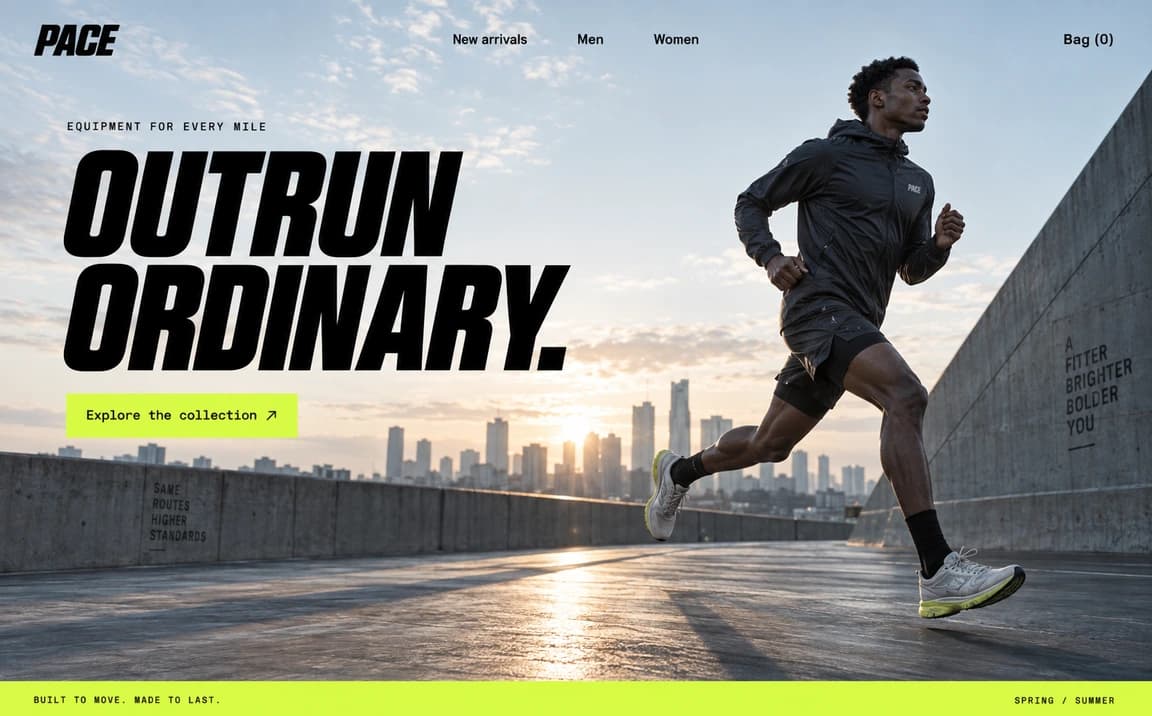


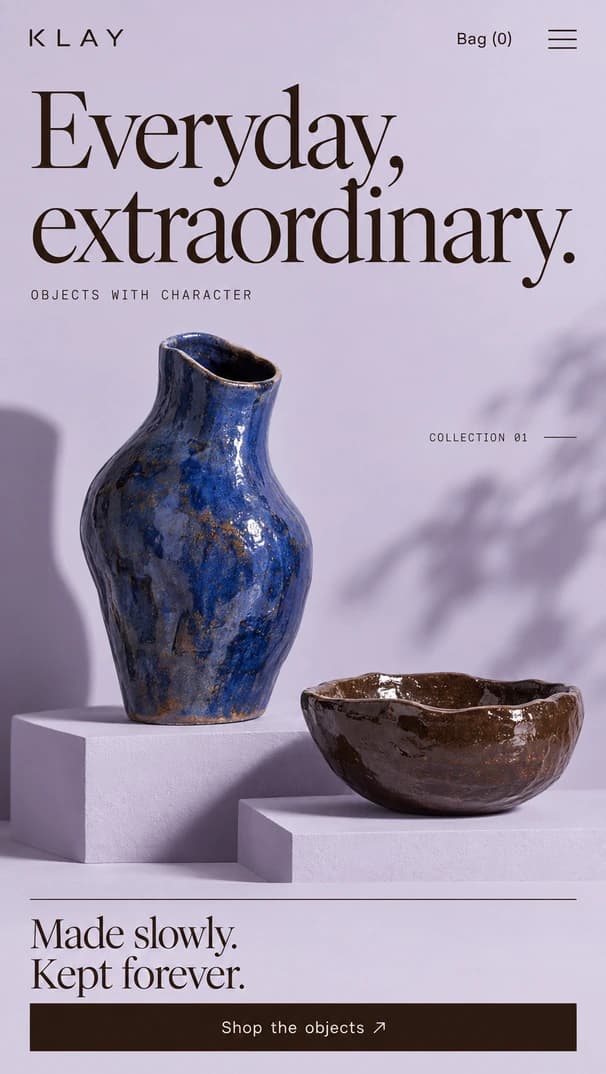
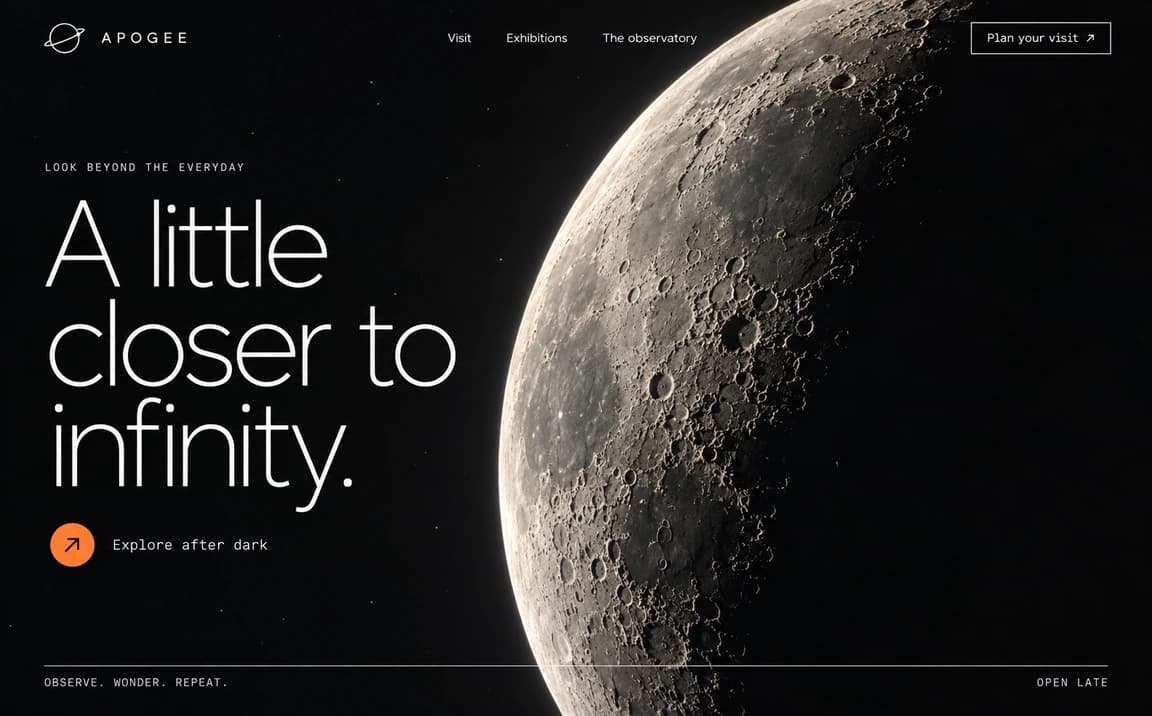
How it works
One place to create, make it yours, and go live.
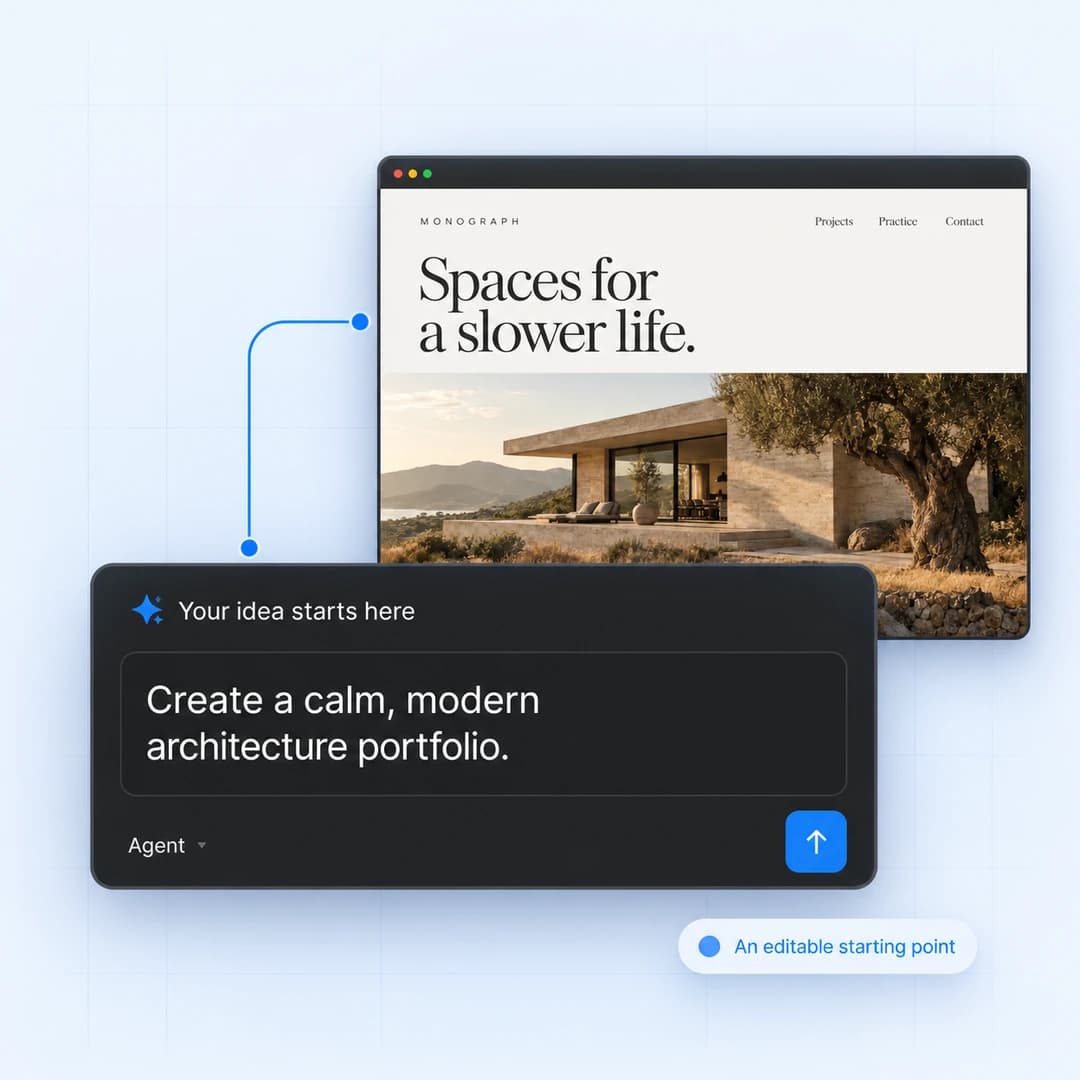
A head start for your next website
Start with a design you love. Customize the pages, make it your own, and bring your next website to life.
FAQ
Clear answers about hosting, search visibility, client editing, and what happens after your site goes live.
Yes. DevAssistant includes hosting, publishing, custom domains, and SSL, so you can launch without setting up separate hosting tools.
Yes. You can manage page titles, descriptions, clean URLs, structured content, performance, and other basics that help search engines understand your site.
DevAssistant helps you create clear, well-structured pages, FAQs, articles, and service content that are easier for answer engines and AI search tools to understand.
Yes. You can invite clients or teammates with limited access, so they can update approved content without touching design, settings, or publishing controls.
Yes. Teams can update pages, publish blog posts, collect form submissions, review changes, and launch updates without needing to write code.
You can keep improving the site after it goes live. Edit pages, update content, publish new sections, and roll back if something needs to be restored.
Build a brand people trust, launch campaigns faster, and see what turns visitors into pipeline from one AI workspace.